
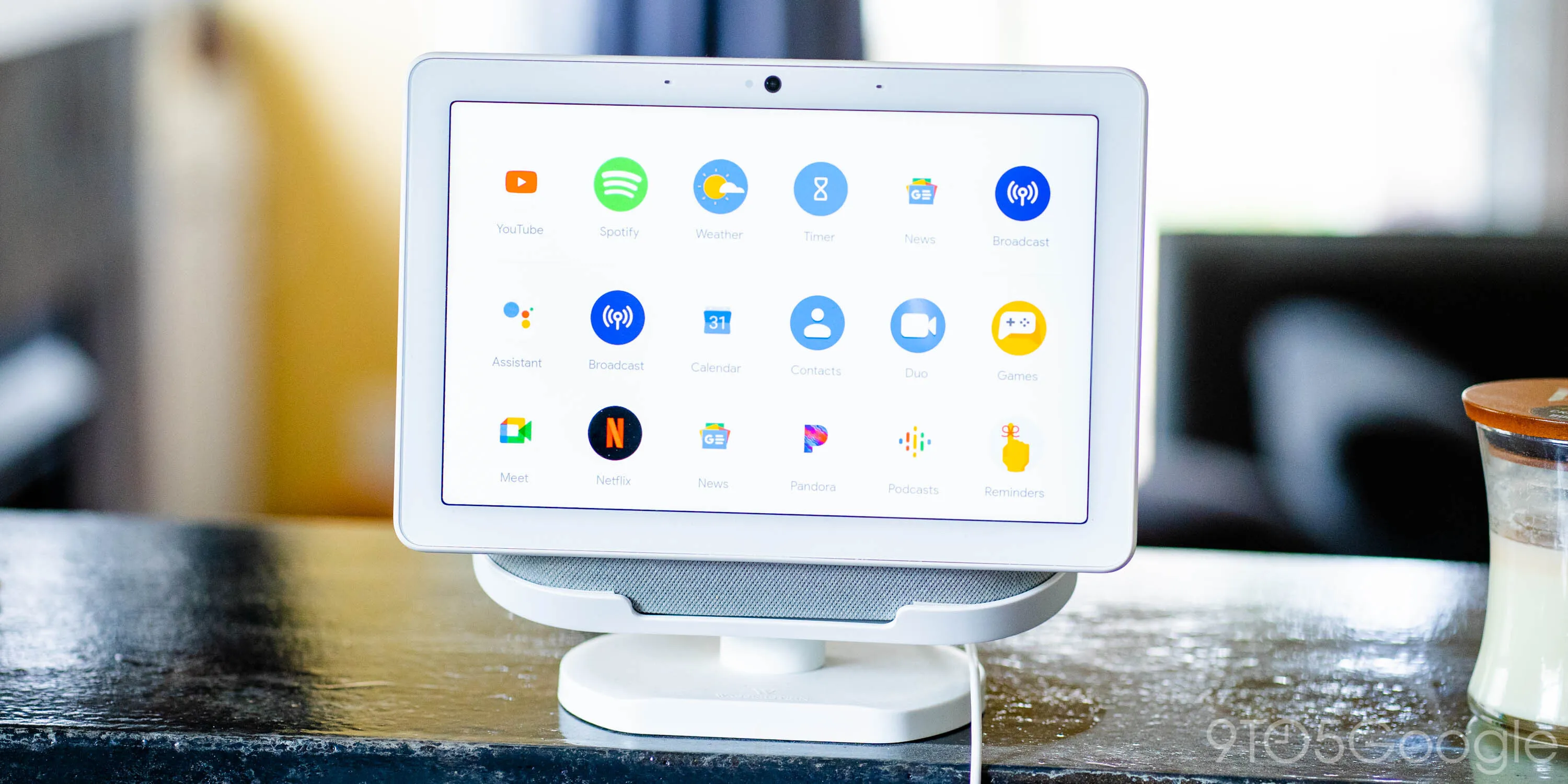
Google Nest Hub Integration for Smart Homes - MHS Atlanta
Discover how Google Nest Hub integration unlocks smart home automation — lighting, security, home theater, audio, and networking. MHS Systems Atlanta.

What we have learned putting these systems into real houses - written for the decisions you are making now.
A homeowner calls because the television in the den buffers every evening at about eight o'clock. They have already replaced the streaming box, and someone has told them the problem is their internet speed, so they have doubled that too. Neither helped, because neither was the problem. The house has one consumer router in a media cabinet on the far side of a masonry chimney, and every device in the building is arguing over it.
This is the most common call we take, and it is the reason we specify the network before the speakers, the screen or the processor. Everything else in a modern system - control, streaming, cameras, intercom, remote support - is a network device wearing a different badge. If the backbone is weak, every one of those disciplines gets blamed in turn.
It is less exotic than it sounds. A wired run to every fixed device, enough access points that no room is being served from two floors away, a managed switch so the cameras cannot crowd out the music, and a small rack where all of it lives with ventilation and a labelled patch panel. That is the whole idea. The parts are unglamorous and, relative to the rest of a project, inexpensive.
What makes it expensive is doing it afterwards. Cable is cheap while the walls are open and costly once they are closed, so the network is the one part of a specification where being early is worth real money. We would rather run four cables to a location and use two than come back for the third.
None of these need a brand chosen. They only need someone to think about the house for an hour with a floor plan.
A house with a real backbone does not have a “bad Wi-Fi room”. Video calls survive someone starting a film downstairs. Cameras record continuously without stealing bandwidth from anything else. And when we support the system remotely, we can see what is actually happening rather than guessing from a description over the phone.
It also degrades properly. If the internet connection fails, the local network keeps running, so lights, scenes, shading and climate all carry on. Only the things that genuinely live outside the house - remote access and cloud streaming - stop, and they come back on their own.
The honest summary is that nobody notices a good network. It shows up as an absence: no buffering, no dead spots, no reboot rituals. That is a difficult thing to sell and an easy thing to be grateful for three years later, which is exactly why it belongs at the start of the specification rather than at the end of it.
Keep reading
Other pieces on the decisions that come up before anyone has picked a brand.
Discover how Google Nest Hub integration unlocks smart home automation — lighting, security, home theater, audio, and networking. MHS Systems Atlanta.
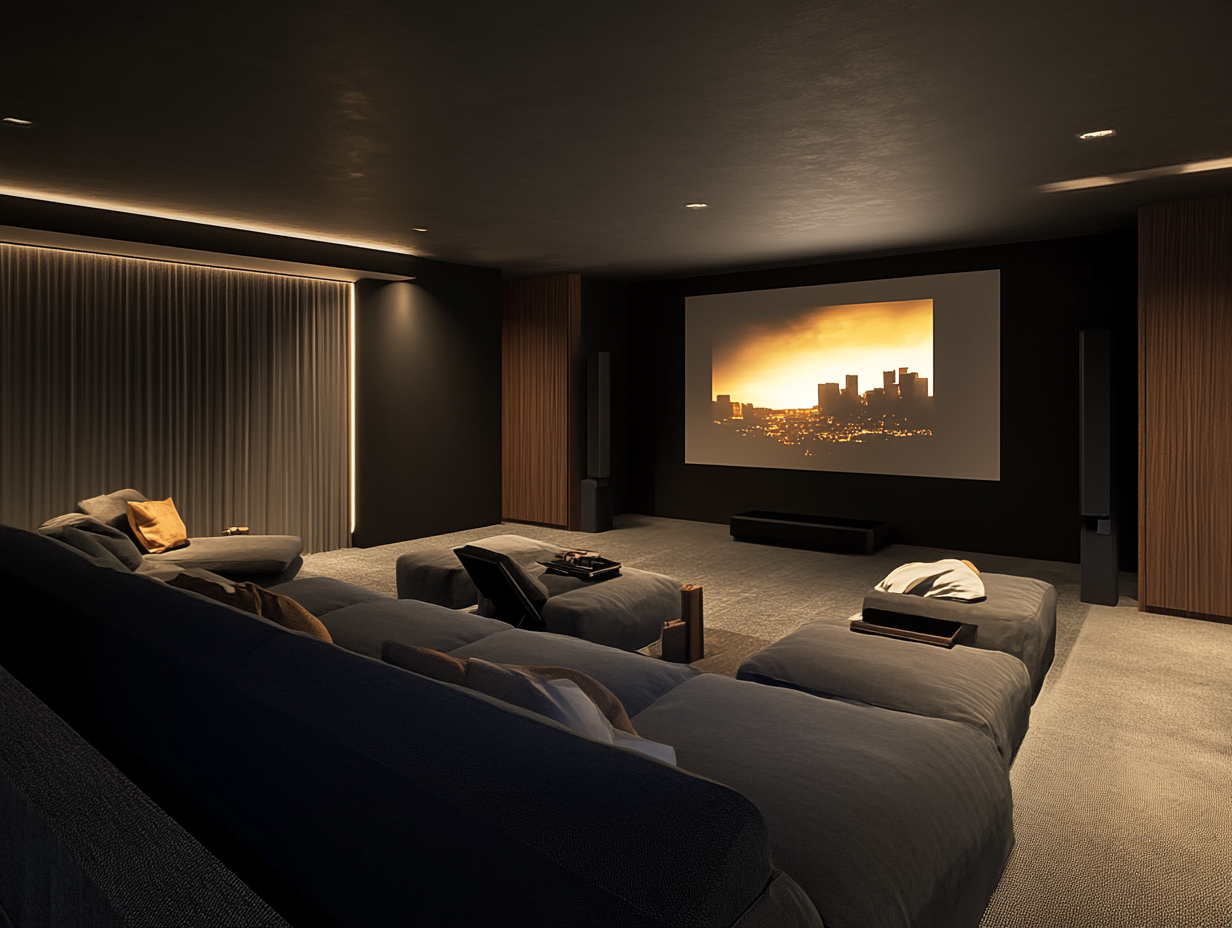
Explore the best Atlanta home theaters with MHS Systems. Transform your living space into a cinematic experience. Click to learn more!
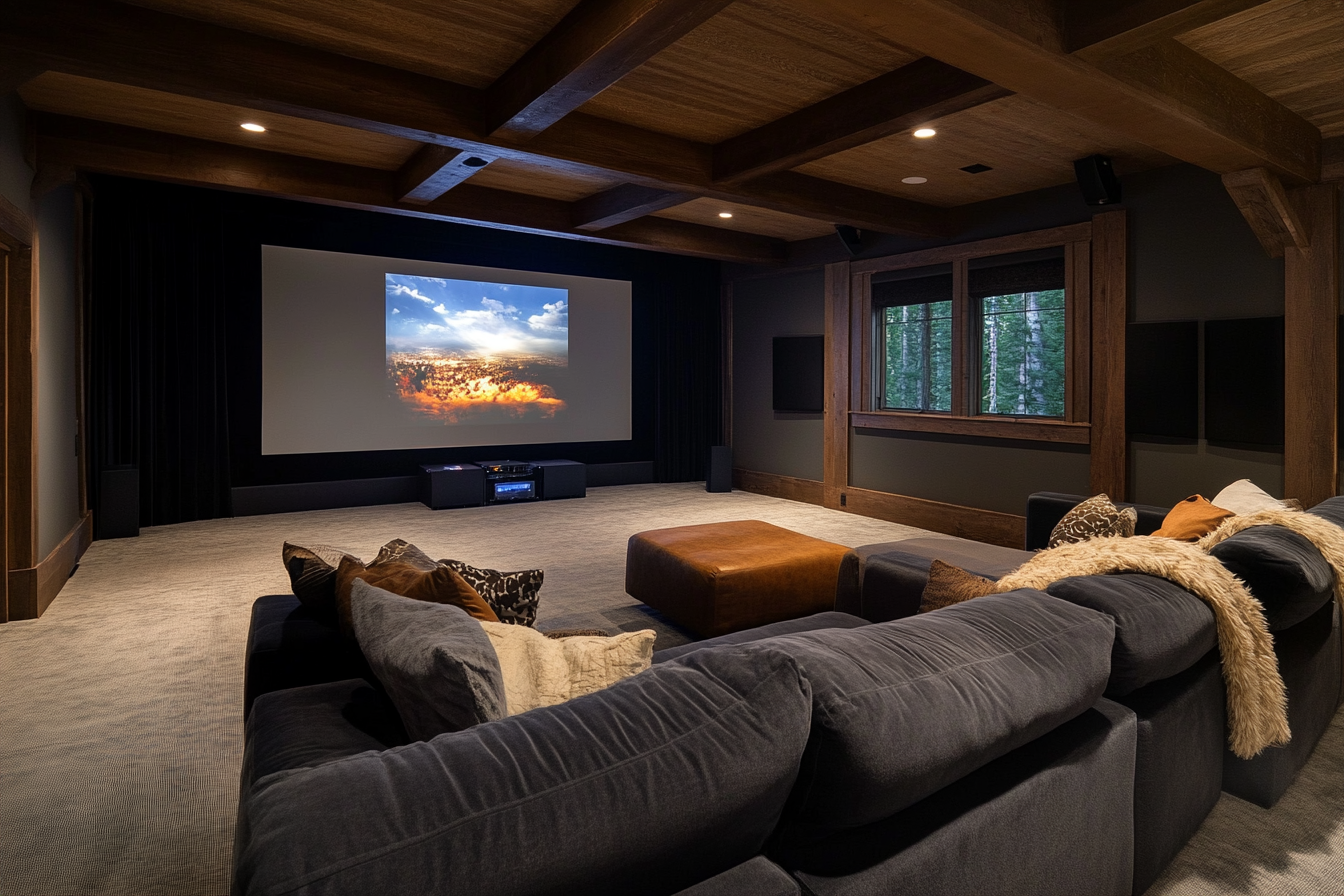
Upgrade your entertainment experience with MHS Systems, the leading Atlanta home theater installation service in Roswell, GA. Get in touch now!
Start a project
The cheapest hour of a project is the one spent on cabling before the walls close. Send us a plan and we will tell you what to run.